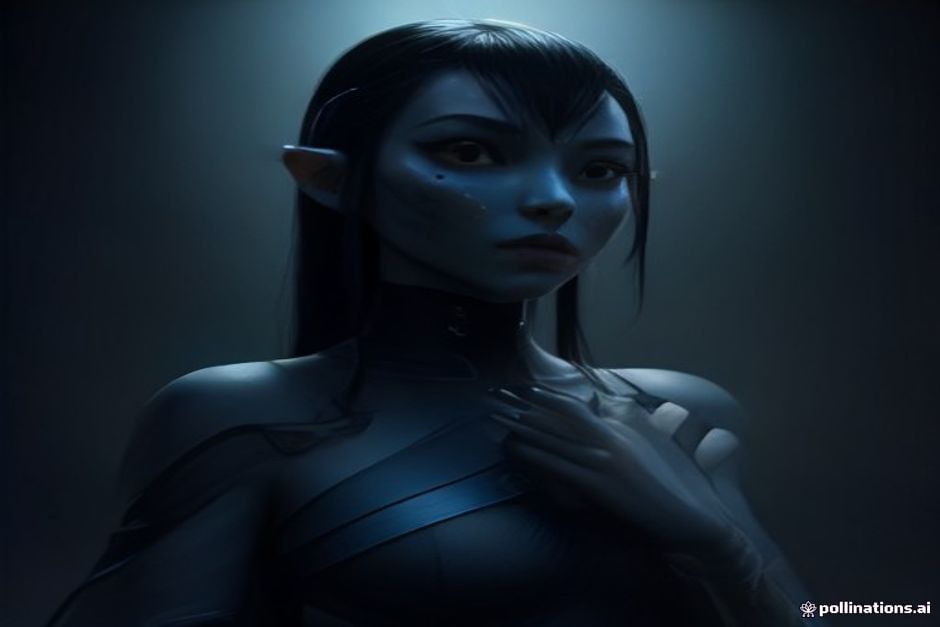
ChatGPT Desktop: Miku & Genshin themes for your AI assistant
·2 min read·Beginner
“
Tired of the usual gray-green ChatGPT desktop interface? Someone figured out how to give your AI assistant a splash of personality, with one click.
In 30 seconds
01HeiGeAi developed a tool to theme OpenAI Codex/ChatGPT Desktop applications.
02It offers 9 preset themes like Miku and Genshin, plus custom color picking.
→
💡
What this means for you
Basically, you can finally make your desktop AI assistant less of a cold tool and more an extension of your personal style. Now you can have Miku or Naruto staring back at you while you chat with ChatGPT.
Building a desktop app feels like wizardry, right? This new open-source kit lets you make one, fast, just knowing web basics.
·2 min·2·Beginner
03Users can personalize their AI's look without altering the original app files.
0101
What Changes for Your AI?
Forget the dull interface of OpenAI Codex or ChatGPT on your computer. A new tool, called HeiGeAi/heige-codex-skin-studio, lets you add a splash of color to your AI assistant. It works on both macOS and Windows, offering an instant visual refresh.
This software, found on GitHub, was developed by HeiGeAi. It allows you to pick from various preset themes, inspired by characters like Miku, Genshin Impact, and Naruto. HeiGeAi released the heige-codex-skin-studio tool on GitHub to personalize the OpenAI Codex Desktop interface. It's an easy and fun way to customize your user experience.
0202
How Do You Apply the Makeup?
You don't need to worry about messing with the original application's internal files. The tool uses CDP injection, which is like a "good hacker" trick. This means your OpenAI Codex or ChatGPT desktop client remains untouched, with no permanent modifications.
📬 Enjoying this article?
Get the best AI news every week, straight to your inbox.
The heige-codex-skin-studio tool employs CDP injection to apply themes without modifying the original OpenAI Codex Desktop files. In essence, it's like applying a sticker: the substance is there, but it doesn't alter the underlying surface. You can choose from nine preset themes, or create your own. Want a Pokémon-colored ChatGPT or one matching your vacation photos? Just upload an image, and the software extracts its colors. Pretty neat, right?
0303
Why Live in Gray?
For years, we've accepted that productivity tools should be gray and serious. But who said artificial intelligence can't also be a little... fun? This tool adds a personal touch to an interface many use daily.
It's a small thing, sure, but visual comfort and personalization make a difference. An interface you like can make even long work hours feel lighter. The tool allows users to customize the OpenAI Codex and ChatGPT Desktop interface to enhance their daily visual experience. And let's face it, seeing Miku while asking the AI to write a boring email is definitely more pleasant.
If you thought voice assistants were the peak of digital companionship, prepare yourself. Now there's an app that gives you a virtual character to cheer you on, everywhere you go.